> ## Documentation Index
> Fetch the complete documentation index at: https://community.celhive.ai/llms.txt
> Use this file to discover all available pages before exploring further.
# Convert vector
Convert any bitmap image into an editable vector,real-time generated images can be directly converted into vectors through prompts.
**Preview**
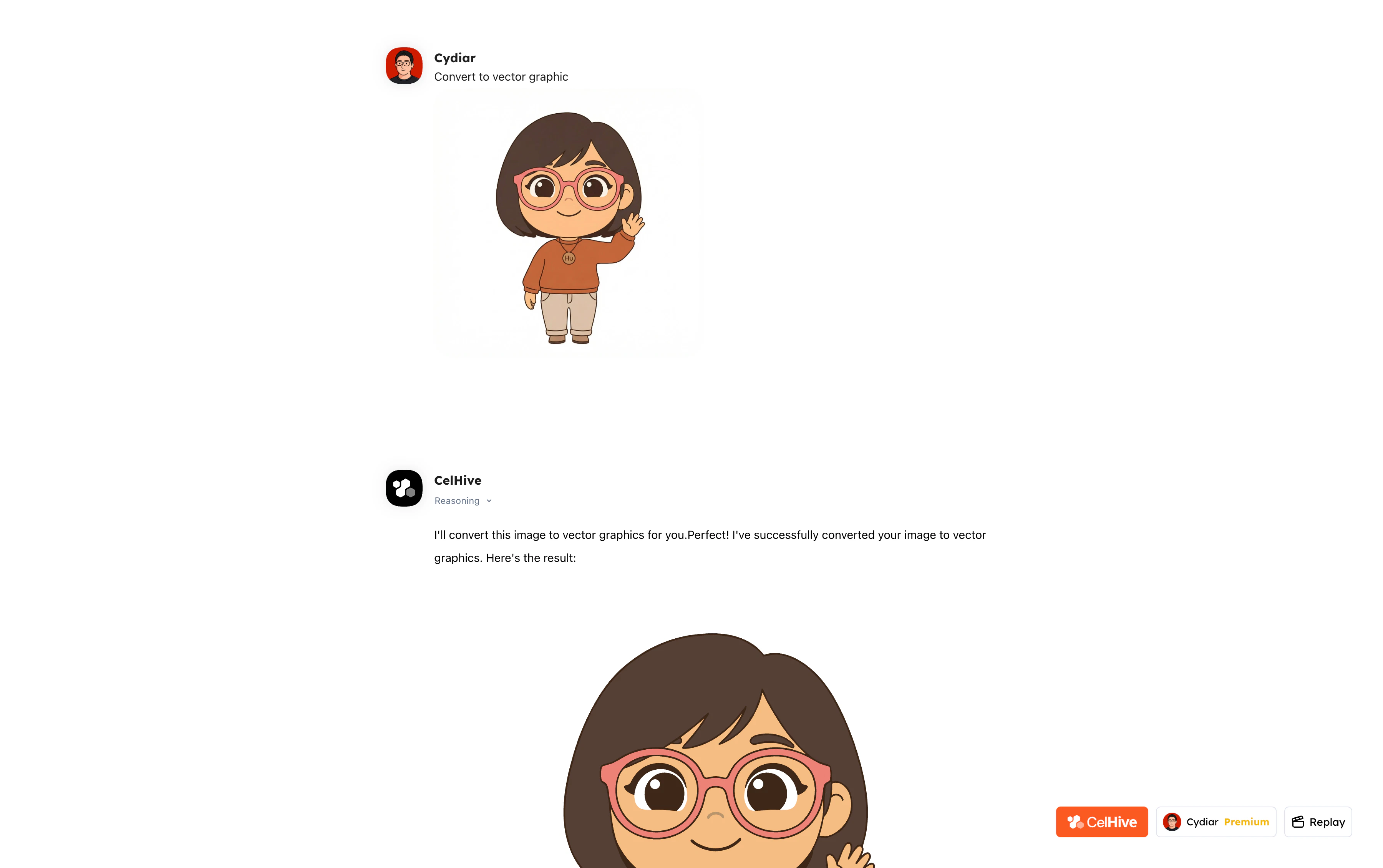 *Convert to vector file*
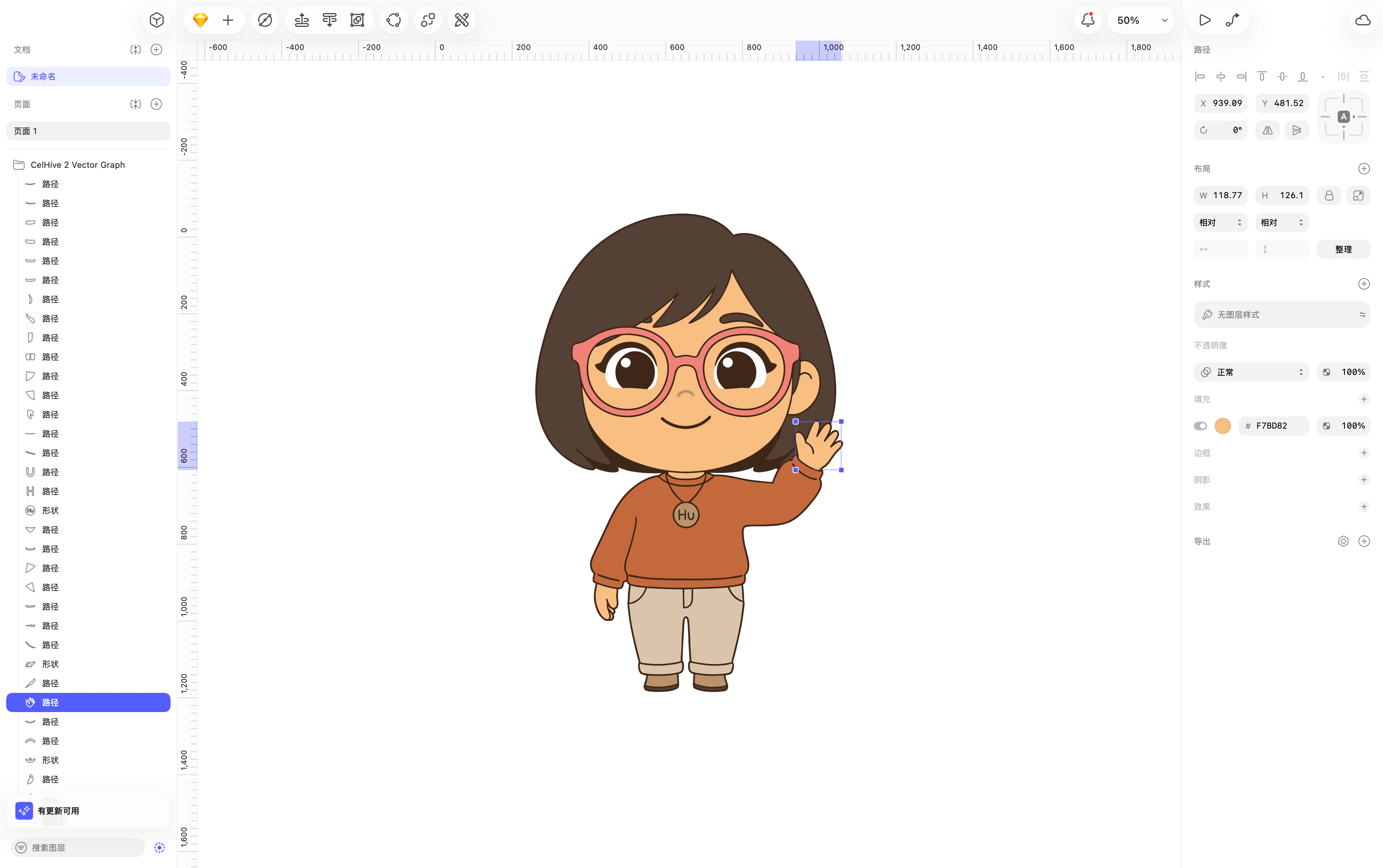 *Implement vector editing*
**Prompt**
> Upload file and convert to vector graphic
**Showacae**
> [https://celhive.ai/share/cartoon-character-waving-converted-to-vector-graph](https://celhive.ai/share/cartoon-character-waving-converted-to-vector-graph)
*Implement vector editing*
**Prompt**
> Upload file and convert to vector graphic
**Showacae**
> [https://celhive.ai/share/cartoon-character-waving-converted-to-vector-graph](https://celhive.ai/share/cartoon-character-waving-converted-to-vector-graph)